


You've got the new TV. The box is open, the stand is off, and you're staring at the wall trying to figure out where the studs are. It feels like a weekend project and for a lot of homeowners in Clayton, Garner, and across Johnston County, it starts that way. Then comes the stripped drywall anchor, the mount that tilts three inches to the left, or the bracket that slowly pulls away from the wall six months later.
TV mounting is one of the most-requested jobs our team handles at Ace Handyman Services Clayton. It's also one of the most commonly botched DIY attempts we get called in to fix. This guide covers what you actually need to know before a single hole gets drilled so the job gets done right the first time.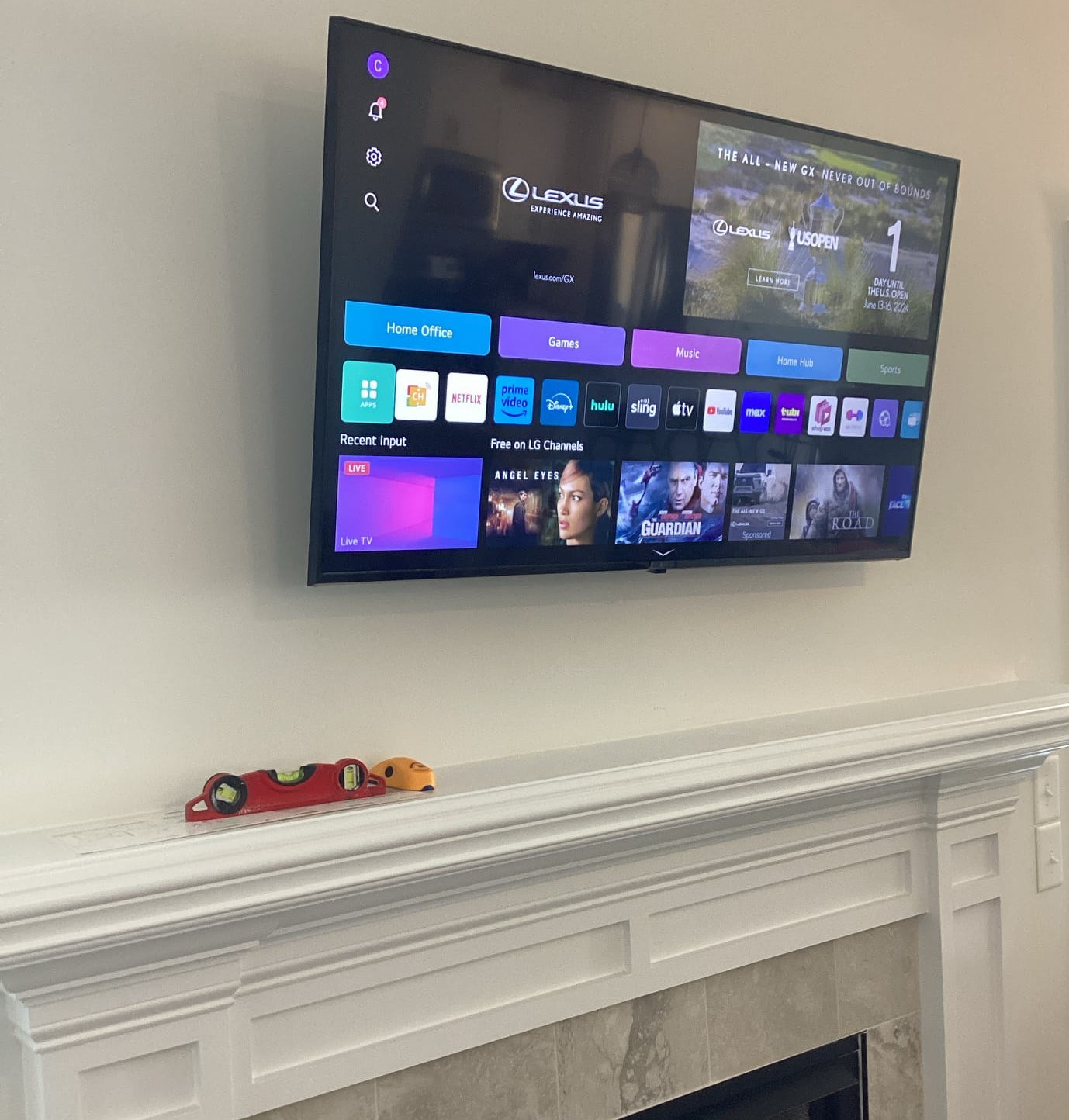
It's Not Just Hanging a Frame
A flat-screen TV is deceptively heavy, and wall mounts create significant leverage stress at the anchor points. A 65-inch TV can weigh 80 to 100 pounds, and a full-motion mount adds its own weight on top of that. When the load is distributed incorrectly into drywall instead of studs, or with the wrong hardware that stress doesn't show up immediately. It shows up three months later when the mount begins to pull away from the wall, or worse, all at once.
Beyond safety, there's the issue of placement. Once the holes are drilled, you're largely committed. Getting the height, centering, and viewing angle wrong before you drill is a recoverable mistake. Getting it wrong after the mount is bolted to the wall means patching drywall and starting over.
Step 1: Know What Kind of Wall You're Working With
Most homes in Clayton and the surrounding communities built after the 1980s have standard drywall over wood studs, the most straightforward scenario for TV mounting. But not every wall is the same, and the type of wall determines everything about how the job is done.
- Standard drywall over wood studs: The most common setup. Use a stud finder, locate and confirm two studs, and anchor directly into them. Never anchor a heavy TV into drywall alone.
- Plaster walls: More common in older homes, especially in established Clayton and Garner neighborhoods. Plaster is harder, denser, and more prone to cracking. Drilling requires slower speeds and different bit types.
- Brick or concrete: Found in some older homes and many commercial spaces. Requires masonry anchors and a hammer drill. Standard drywall anchors will not hold.
- Metal studs: Common in commercial buildings. Requires toggle bolts rated for the TV's weight rather than standard wood-stud screws.
If you're not certain what you're working with, that's the first question to answer before anything else happens.
Step 2: Finding Studs and Trusting What You Find
A basic stud finder is a good starting point, but it's only as reliable as the person using it. Here's what the pros do:
First, scan slowly from multiple directions and mark both edges of each stud not just the center. The actual stud is typically 1.5 inches wide, and knowing both edges lets you confirm you're anchoring into solid wood rather than the edge or the void beside it.
Second, verify with a nail or small pilot hole before committing to your mount hole. A confirmed hit feels solid. Hitting drywall next to a stud feels completely different.
Third, check stud spacing. Standard framing is 16 inches on center. If your second stud isn't where the math says it should be, slow down something is non-standard about that wall section, and it's worth understanding why before drilling.
What if your TV size doesn't line up with stud spacing? This is more common than people expect, especially with very large screens. The solution is a horizontal mounting plate that spans three studs, distributing the load properly. This is not a shortcut, it's actually the correct approach for oversized TVs.
Step 3: Choosing the Right Mount Type
There are three main categories of TV wall mounts, and the right choice depends on your room layout, TV size, and how you actually watch.
Fixed mounts hold the TV flat against the wall with no movement. They're the slimmest, lowest-profile option, and the right choice when your seating is directly centered on the TV and you don't need any angle adjustment.
Tilting mounts allow the screen to angle downward, which matters when the TV is mounted higher than eye level, above a fireplace, for example, or on a wall where furniture placement limits centering options. Tilt reduces glare and neck strain from high placements.
Full-motion (articulating) mounts swing out from the wall and pivot in multiple directions. They're ideal for corner placements, open floor plans where viewing angles vary, or rooms that serve multiple purposes. They require the most robust anchoring because the extended arm creates greater leverage stress on the wall.
Whatever mount you choose, check two numbers: the VESA pattern (the bolt hole spacing on the back of your TV) and the mount's weight rating. Always choose a mount rated well above your TV's actual weight, not right at the limit.
Step 4: Cable Management & Keeping Things Tidy Without Overcomplicating It
Once the TV is up, cables need to go somewhere. Most homeowners in Clayton want a clean result without a major production and that's completely achievable with surface raceways and smart cord routing.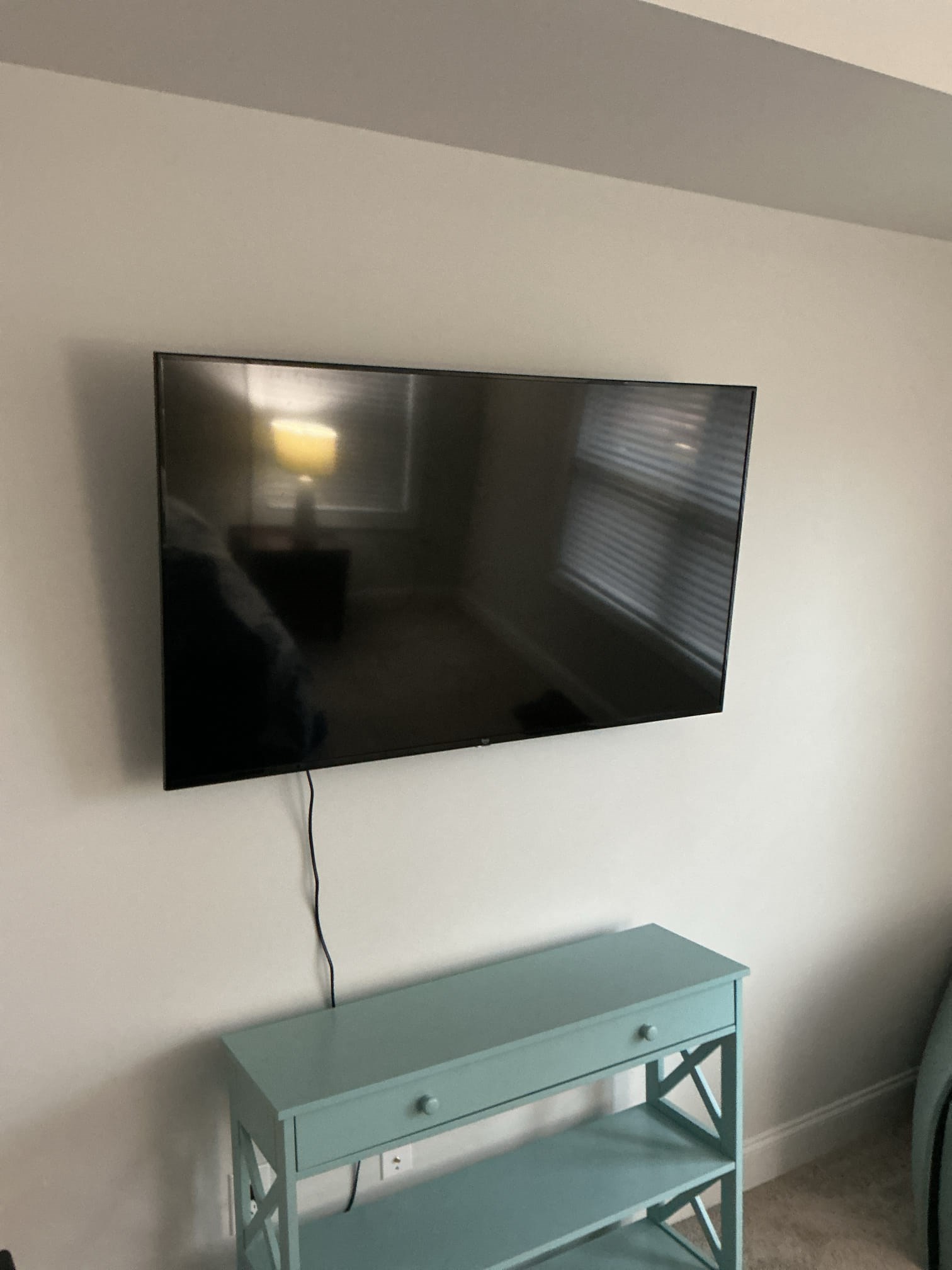
Surface raceways are paintable plastic channels that run along the wall and bundle your power cord, HDMI cables, and any other connections into a single organized line. They're fast to install, easy to adjust later, and look significantly better than loose cables draped down the wall. Matched to your wall color, most people don't notice them at all.
A few things that make cable management cleaner, regardless of the approach:
- Plan the route before you mount. Know where your power outlet is, where your cable box or streaming device will sit, and which direction cables will travel before the TV goes up. Rerouting afterward is frustrating.
- Use velcro cable ties to bundle cables together before they enter the raceway it keeps the interior of the channel organized and makes future changes much easier.
- Consider a small media shelf or cabinet below the TV for components. Keeping the cable box, soundbar receiver, and game consoles in one organized spot makes cable management much simpler and gives the whole setup a purposeful, built-in feel. This kind of detail pairs well with other custom carpentry and trim work that makes a room feel finished rather than improvised.
- Don't ignore the power outlet location. If the nearest outlet is far from your ideal mounting position, a recessed outlet extender or a flat extension cord designed for TV installations can solve the problem cleanly without running a long cable across the floor.
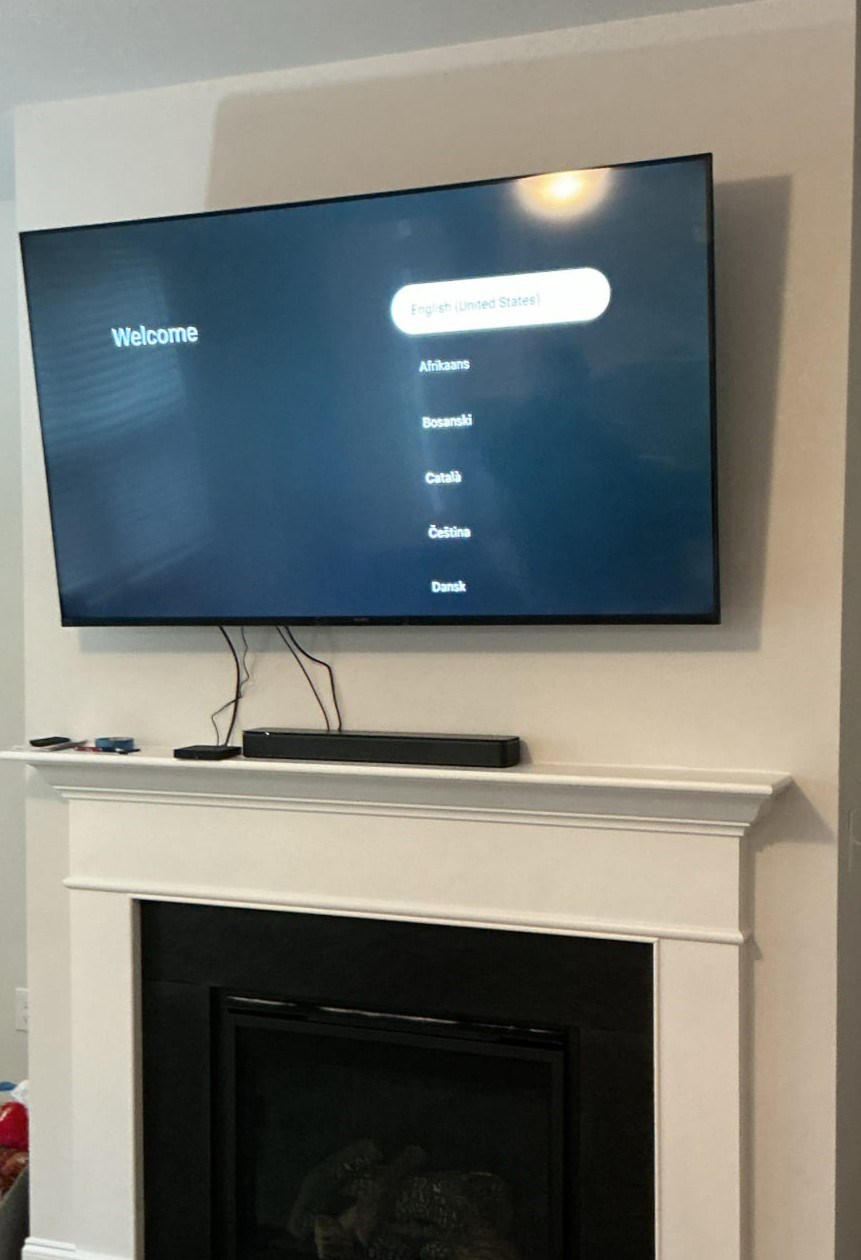
The Above-the-Fireplace Question
It comes up constantly: can I mount my TV above the fireplace? The honest answer is that it's possible but rarely ideal without some additional planning. Heat and smoke rise directly toward that wall space, which can affect the TV over time. More practically, a fireplace mantel typically places the TV higher than comfortable viewing height for most seated positions which is where a tilting mount earns its keep.
If above-the-fireplace is the placement you want, plan for a tilting mount and give some thought to the room's furniture arrangement before committing to the height.
Common Mistakes Our Team Gets Called In to Fix
- Anchoring into a single stud on a TV larger than 55 inches. One stud is rarely enough lateral support for a heavy screen.
- Skipping the pilot hole. Driving a 3-inch lag bolt through what turns out to be the edge of a stud or next to it damages the stud and leaves a compromised anchor.
- Not accounting for the cable box or streaming device before deciding on mounting height. The TV goes up, then the homeowner realizes there's nowhere to put the components or route cables cleanly.
- Choosing a fixed mount in a room that really needs tilt. A TV mounted 12 inches too high with a fixed mount is uncomfortable to watch every single day.
- Ignoring what's behind the wall. Electrical wires, plumbing, and HVAC runs all exist behind drywall. A stud finder detects density it doesn't see everything. In unfamiliar wall sections, it's worth taking an extra few minutes to understand what's there.
When a Professional TV Mounting Service Makes Sense
Some TV mounting jobs are genuinely straightforward. Others have enough variables that the risk of a fixable problem becoming an expensive one is real. Our TV mounting service in Clayton NC is worth a call when:
- Your TV is 65 inches or larger
- You're working with plaster, brick, or metal stud walls
- The placement involves a corner, a fireplace, or a non-standard wall section
- You want the mount, cable management, and component placement handled in one clean visit
- You want it done once, correctly, with no patching afterward
We serve homeowners throughout Clayton, Garner, Knightdale, Wendell, Zebulon, Willow Springs, Smithfield, Selma, and the surrounding Johnston County communities. If you're working through a broader room refresh, updating storage, adding shelving, or tackling a closet organization project, TV mounting pairs naturally into that same visit.
Ready to Get It Done Right?
Our team provides upfront estimates over the phone on a time-and-material basis so there are no surprises, no pressure. Contact Ace Handyman Services Clayton to schedule your TV mounting installation or get a quick estimate on what your project involves.
Ace Handyman Services Clayton serves Clayton, Garner, Knightdale, Wendell, Zebulon, Willow Springs, Wilson Mills, Smithfield, Selma, Cleveland, and Flowers Plantation.